Free PDF to Excel Converter Online
Convert PDF to Excel, extract tables from PDF files, and turn scanned PDFs into editable spreadsheets in seconds. Built for invoices, reports, and multi-page documents.
Why Teams Use Our PDF to Excel Converter
Extract Tables from Any PDF
Turn native PDFs, exported reports, and table-heavy documents into editable Excel sheets without manual copy and paste.
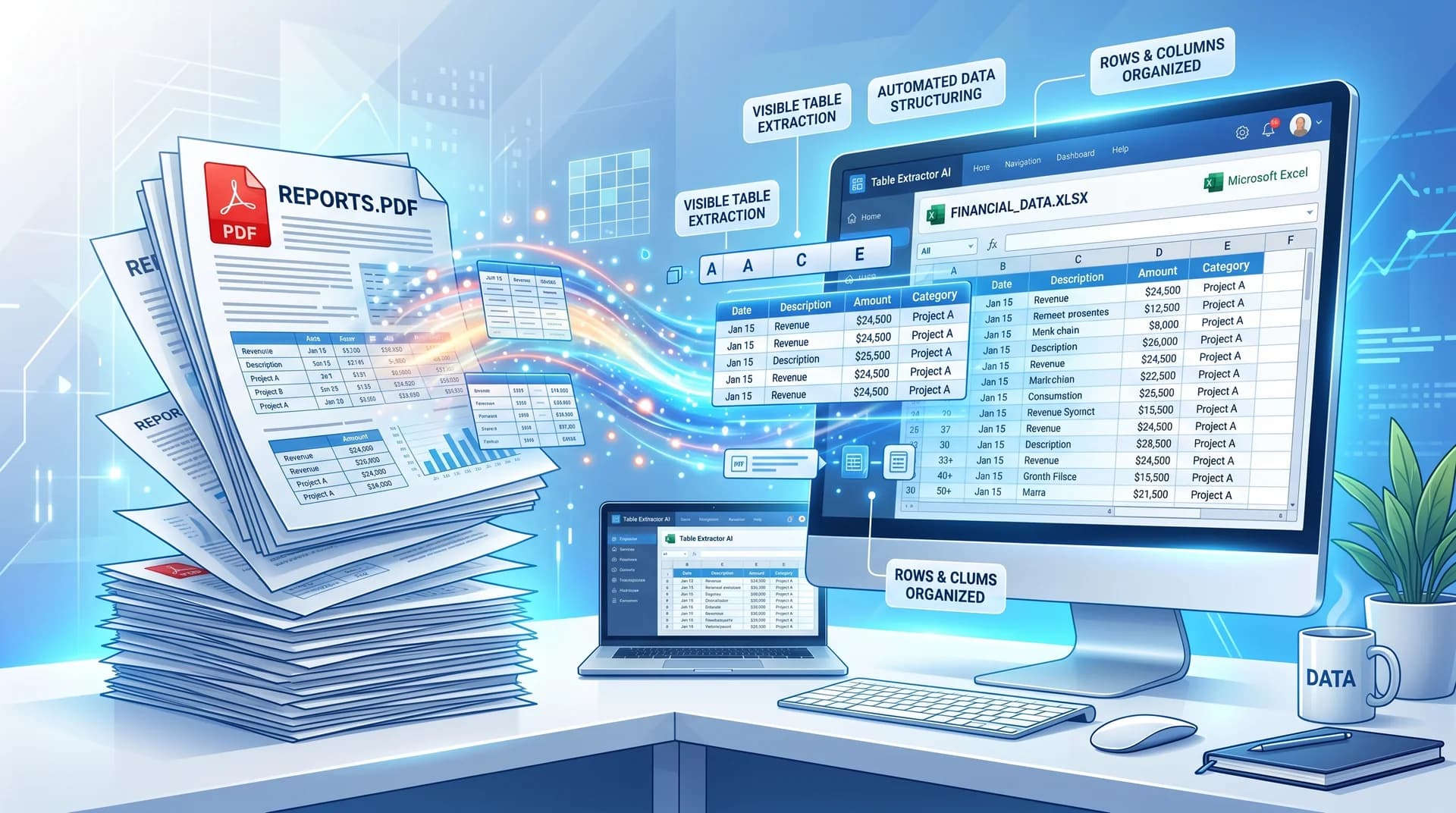
Keep Rows, Columns, and Headers Aligned
Our PDF table extraction flow is designed to preserve structure, so you spend less time fixing layouts after export.
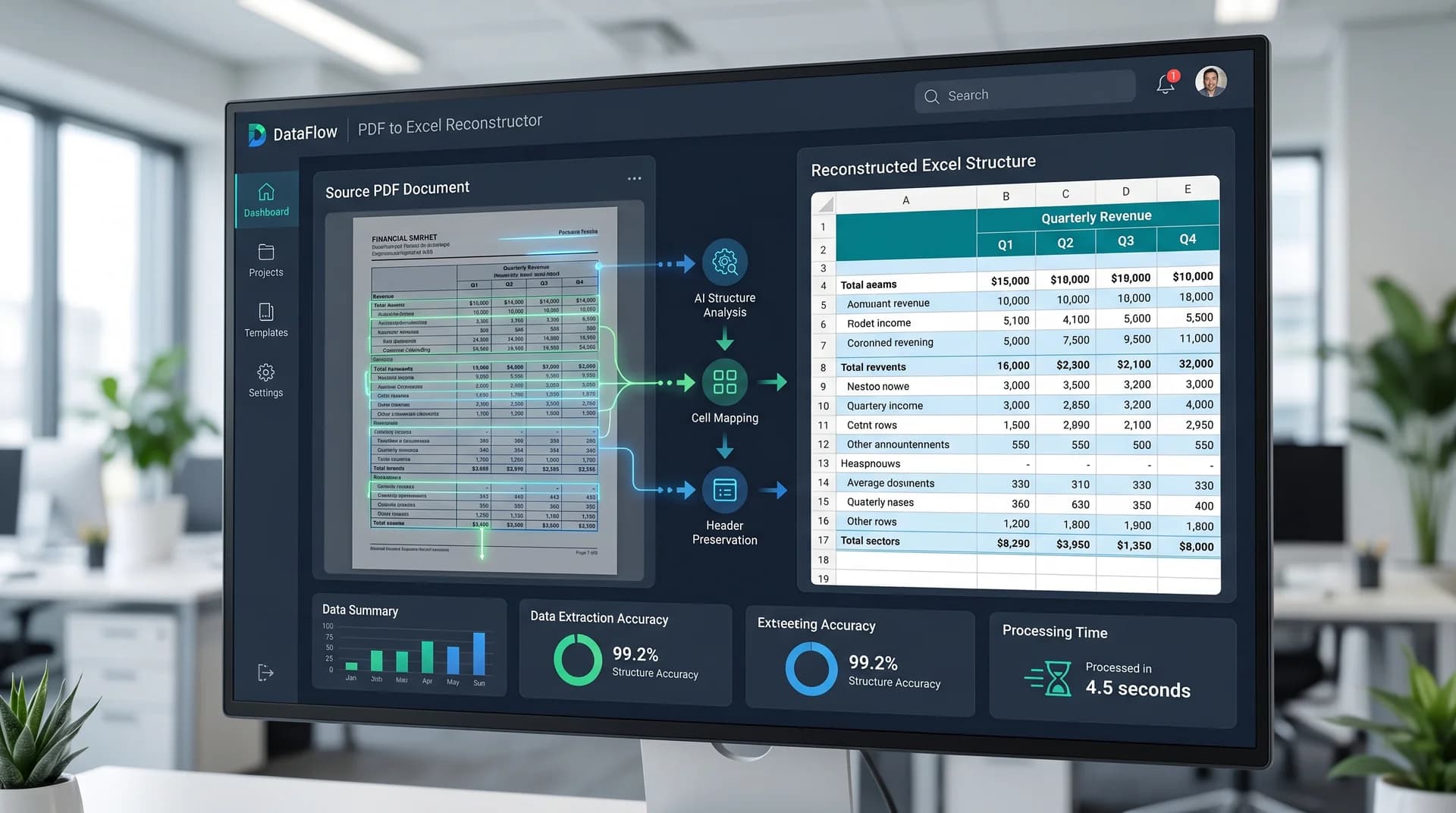
Works with Scanned PDF Tables
Use OCR to pull data from scanned PDFs, printed reports, and document images when you need a spreadsheet you can actually edit.

Convert PDF Tables to Excel Without Manual Retyping
Need to convert PDF to Excel fast? This PDF to Excel converter helps you extract tables from PDF files, move data from scanned PDFs into spreadsheets, and clean up recurring reports without rebuilding everything by hand.
Native and Scanned PDF Support
Upload text-based PDFs or scanned documents and let the extractor find tables, rows, and cells automatically.
Built for Repeated Reporting Work
Move invoice tables, statements, price lists, and operational reports into Excel in a workflow your team can repeat every day.
Useful for Solo Work or Batch Jobs
Handle one PDF when you need a quick export or process a larger stack of files when monthly admin work piles up.
Online and Easy to Start
Open the converter in your browser, upload a file, and export the spreadsheet without installing desktop software first.
How to Convert PDF to Excel
Export a PDF table to Excel in three simple steps:
Upload Your PDF
Add a PDF report, invoice, statement, or scanned file from your device.
Let AI Detect the Table
The converter analyzes the PDF, identifies table regions, and prepares the content for spreadsheet export.
Download the Excel File
Get an editable spreadsheet you can open in Excel, Google Sheets, or another workbook tool.
Common PDF to Excel Use Cases
This PDF to Excel workflow fits the kinds of table extraction jobs people search for most often.
Financial Reports
Move balance sheets, summaries, and recurring finance tables from PDF into a format you can sort and analyze.
Invoices and Receipts
Extract line items from PDF invoices and receipts when you need cleaner accounting records or expense logs.
Research and Survey Tables
Pull structured tables from reports and studies into Excel for review, filtering, and comparison.
Price Lists and Catalog Data
Convert PDF tables with SKUs, costs, and catalog fields into spreadsheets your team can update.
English & Chinese Documents
Work with tables from English, Chinese, or mixed English-Chinese PDFs when the goal is to reuse the structure inside a spreadsheet.
Batch Admin Work
Speed up recurring operations by converting multiple PDF tables instead of rebuilding them one file at a time.
Your table is extracted — download it now
Get your Excel file in seconds. Choose a plan that fits:
Frequently Asked Questions
Answers to the most common PDF to Excel and table extraction questions.
How do I convert PDF to Excel online?
Upload your PDF, let the tool detect the table, and download the Excel file. The goal is to replace manual copying with a faster export workflow in the browser.
Can I extract a table from a PDF without retyping it?
Yes. The converter is built to extract tables from PDF files so you can move rows and columns into a spreadsheet instead of entering them cell by cell.
Does this PDF to Excel converter work with scanned PDFs?
Yes. OCR support helps read table content from scanned PDFs and document images, which is useful when the original file is not text-selectable.
Will the Excel file keep the original table layout?
The extractor is designed to keep table structure as close as possible to the source PDF, including rows, columns, and headers. Complex files may still benefit from a quick review after export.
Can I convert multi-page PDF reports to Excel?
Yes. Multi-page reports are a common use case, especially for statements, recurring business reports, and exported reporting packets.
What kinds of PDF files work best?
PDFs with clear tables, readable text, and stable layouts usually produce the best spreadsheet output. Native PDFs and clean scans are both good candidates.
Is this PDF to Excel converter free to start?
Yes. You can start with the online tool and see whether the PDF table extraction workflow fits your documents before committing to heavier usage.
Is it safe to upload business PDFs?
Business users often upload statements, invoices, and reporting files, so secure online processing matters. Review your internal requirements and use the tool where browser-based document handling fits your workflow.
Related Guides
How to Convert a Scanned PDF Table to Excel (2026 Guide)
Learn how to convert a scanned PDF table into an editable Excel spreadsheet online: how to tell scanned PDFs from native ones, how to prepare scans for accurate OCR, and which cells to double-check.
Read the guide →How to Convert an Image to Excel (2026 Step-by-Step Guide)
Learn how to convert an image to an editable Excel spreadsheet online. Step-by-step tutorial for JPG, PNG, and screenshot tables, plus image preparation tips and common pitfalls.
Read the guide →Why Does OCR Put Numbers in the Wrong Column? How to Find and Fix Column Misalignment
Why OCR tables come out with values in the wrong column, which misalignments cost you the most, how to spot them in seconds, and when to re-convert instead of hand-fixing the result.
Read the guide →Ready to Extract Tables from PDF?
Upload a PDF and turn it into an editable spreadsheet in seconds. No software to install and free to start.