
How to Convert Handwritten Notes to Digital Text - Complete Guide
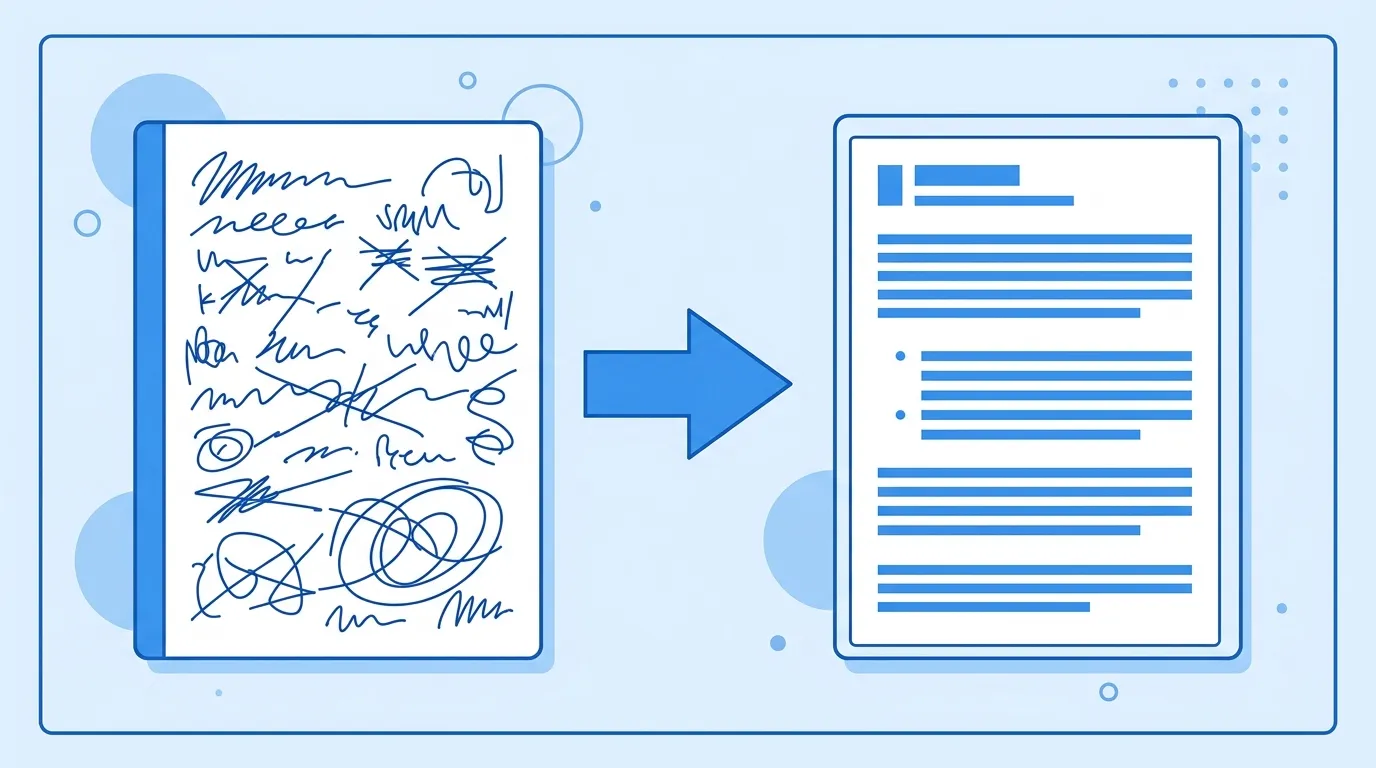
How to Convert Handwritten Notes to Digital Text
We've all been there—you take brilliant notes during a lecture or meeting, but weeks later, you can't find them, or you need to share them with a colleague. The solution? Convert your handwritten notes to digital text.
In this guide, we'll show you how to turn any handwritten notes into searchable, editable digital text using free AI-powered tools. Whether you're a student digitizing lecture notes, a professional preserving meeting minutes, or anyone looking to organize their handwritten content, this guide has you covered.
Why Convert Handwritten Notes to Digital Text?
Before we dive into the how, let's explore the why. Converting handwritten notes to digital text offers numerous benefits:
Searchability: Once your notes are digital, you can search for specific keywords instantly. No more flipping through pages to find that one important point.
Accessibility: Digital notes can be accessed from any device—your phone, tablet, laptop, or desktop. Never lose important notes again.
Shareability: Easily share digital notes with classmates, colleagues, or team members via email, messaging apps, or cloud storage.
Editability: Made a mistake in your notes? Digital text is easy to edit, correct, and update. You can also add formatting, highlights, and annotations.
Backup and Security: Digital notes can be backed up to the cloud, ensuring you never lose your valuable content to lost notebooks or damaged paper.
Integration: Digital text can be used in other applications—copied into documents, imported into note-taking apps, or used with AI tools for summarization and analysis.
The Challenge: Why Handwriting Recognition Is Different
Converting printed text from images is relatively straightforward for OCR tools. Handwriting recognition, however, presents unique challenges:
Variability in Handwriting: Everyone's handwriting is unique. Unlike printed text, which follows standardized fonts, handwriting varies widely in style, spacing, and letter formation.
Context and Cursive: Cursive writing, in particular, connects letters in ways that can confuse traditional OCR systems. Context (understanding that a letter is part of a word, not a separate character) is crucial.
Quality Variations: Photos of handwritten notes may have poor lighting, shadows, or perspective distortion. Unlike scanned documents, which are typically high-quality and uniform, photos vary widely in quality.
Historical Notes: Converting old handwritten notes adds another layer of complexity—faded ink, yellowed paper, and older handwriting styles can be challenging to read.
This is where AI-powered handwriting recognition shines. Unlike traditional OCR, which relies on template matching, AI systems learn from millions of examples and can adapt to different handwriting styles.
How AI Handwriting Recognition Works
Modern AI-powered handwriting recognition uses deep learning and neural networks to convert handwritten text to digital format. Here's how it works:
Image Preprocessing: The system first analyzes and optimizes the input image, adjusting contrast, removing noise, and correcting perspective to improve recognition accuracy.
Character Recognition: The AI model identifies individual characters by comparing them to patterns learned during training. It can recognize both printed and cursive handwriting.
Word Formation: Characters are combined into words using context and language models. The system understands which characters belong together and how they should be connected in cursive.
Error Correction: The system uses language models to correct errors and improve accuracy. If a character is ambiguous, context helps determine the correct interpretation.
Output Generation: The recognized text is output in editable format, ready for use in any application.
The key advantage of AI handwriting recognition is its ability to learn and improve. The more examples it sees, the better it becomes at recognizing different handwriting styles.
Step-by-Step: Convert Handwritten Notes to Digital Text
Ready to digitize your handwritten notes? Here's our step-by-step guide using our free handwriting to text converter:
Pro Tips for Better Handwriting Recognition
Getting the best results from handwriting to text conversion requires some preparation. Here are our top tips:
Write Neatly: The neater your handwriting, the better the recognition results. Take your time when writing notes you plan to digitize.
Use Good Contrast: Write with dark ink on light paper. Avoid gel pens that might bleed or ballpoint pens that might be too light.
Avoid Crowding: Leave space between lines and words. Crowded text is harder for AI to parse accurately.
Straight Lines: Write in straight lines without slanting. If writing in a notebook, use the lines as a guide.
Minimize Annotations: Avoid excessive circling, underlining, or arrows in notes you plan to convert. These can confuse the recognition system.
Multiple Attempts: If the first conversion doesn't work well, try capturing the image again with better lighting or from a different angle.
Best Use Cases for Handwriting to Text Conversion
Converting handwriting to digital text is useful in many scenarios:
Students: Digitize lecture notes for easy searching and studying. Convert textbook excerpts you've written out. Create searchable study guides from handwritten notes.
Professionals: Preserve meeting minutes and brainstorming sessions. Digitize handwritten feedback or annotations. Convert whiteboard photos to meeting notes.
Journalists: Transcribe handwritten interviews and field notes. Create searchable archives of original notes. Share quotes and excerpts easily.
Researchers: Digitize lab notebook entries. Convert handwritten research notes to searchable format. Preserve historical handwritten documents.
Creative Writers: Transcribe handwritten story ideas and drafts. Convert handwritten journal entries to digital format. Create searchable archives of creative work.
Anyone with Paper Notes: If you have boxes of handwritten notes gathering dust, digitizing them can bring new life to your old content and make it accessible again.
Best Free Tools for Handwriting to Text Conversion
Several free tools can help you convert handwriting to text. Here's how our tool compares:
Our Free Handwriting to Text Converter offers:
• High Accuracy on Neat Handwriting — review numbers and dates before use
• No Signup Required - start converting immediately
• Easy Export - download as TXT or copy to clipboard
• English & Chinese - recognizes notes in either language
• Free to Use - no credit card or registration required
When choosing a handwriting to text tool, consider accuracy, ease of use, language support, and export options. Many tools offer free basic functionality with paid upgrades for advanced features.
Start Digitizing Your Handwritten Notes Today
Converting handwritten notes to digital text opens up a world of possibilities. From improved searchability to easy sharing and backup, digitized notes are more accessible and useful than their paper counterparts.
With AI-powered handwriting recognition technology, it's easier than ever to transform your handwritten content into versatile digital text. Whether you're a student, professional, or anyone with paper notes, the tools and techniques in this guide will help you get started.
Ready to give it a try? Our free handwriting to text converter delivers professional-grade results with no signup required. Simply upload an image of your handwritten notes and get editable text in seconds.
Try Free Handwriting to Text ConverterFrequently Asked Questions
Can AI really read handwriting?
Yes! Modern AI-powered OCR tools can recognize handwriting with high accuracy. Results depend heavily on handwriting quality: neat, legible writing works best. Always review the output, especially numbers and dates.
Is handwriting to text conversion free?
Yes, basic handwriting to text conversion is available for free. Our tool offers free conversion without registration, though advanced features may require a paid plan.
What types of handwriting work best?
Neat, legible printing works best. Cursive can also be recognized, but may have slightly lower accuracy. Avoid overly artistic or decorative handwriting styles.
Can I convert old handwritten notes?
Old notes can be converted, but may have lower accuracy due to faded ink, yellowed paper, or changes in handwriting style over time.
How can I improve recognition accuracy?
Use good lighting, write neatly, ensure good contrast between ink and paper, avoid crowding, and write in straight lines. Taking a high-quality photo also helps.
Can I convert handwritten math equations?
Standard OCR tools may struggle with mathematical symbols and equations. Some specialized tools exist for math recognition, though they may require paid subscriptions.